Hostinger vs Bluehost vs GoDaddy Comparison 2026: Best Web Hosting Provider?
This in-depth comparison of Hostinger, Bluehost, and GoDaddy explores their pricing, performance, features, ease of use, WordPress support, and overall value. Discover which hosting provider is the best choice for your website in 2026 with a complete analysis and FAQs.
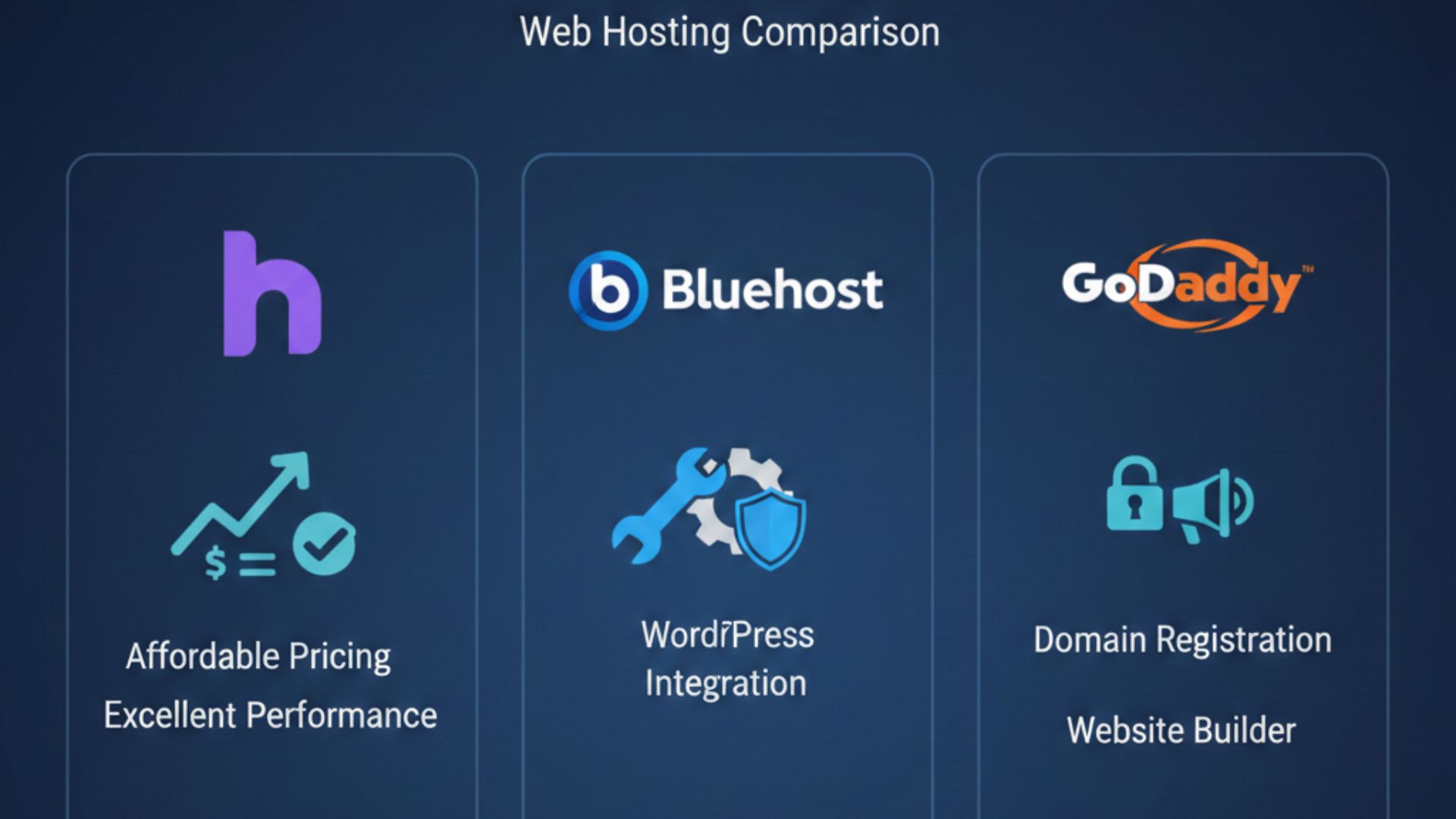
Introduction to the Three Hosting Providers
Hostinger vs Bluehost vs GoDaddy: Before comparing them feature-by-feature, let’s get a quick overview of each platform.
Hostinger
Hostinger is known for offering affordable hosting with powerful performance. It is widely recognized for its low-cost shared hosting plans, fast load speeds, and modern, user-friendly hPanel control panel. Key highlights:
- Affordable pricing
- Excellent performance
- Free domain and SSL
- Great for beginners and small businesses
Hostinger Coupon Code
Hostinger offers affordable, fast, and beginner-friendly web hosting. Use exclusive first-time user coupon codes to save big on domains, shared hosting, WordPress hosting, VPS, and more.
Get Hostinger 90% Off →Bluehost
Bluehost is a well-established hosting provider recommended by WordPress.org. Known for its stable performance, beginner-friendly cPanel, and strong WordPress integration, Bluehost is widely used for blogging and small business websites. Key highlights:
- Recommended by WordPress.org
- Good for WordPress sites
- Stable uptime
- Free domain and SSL
Bluehost Deals Today
Bluehost provides easy-to-use hosting with free domain, free SSL, and optimized WordPress features, perfect for launching websites quickly and affordably.
Today Bluehost 92% Off →GoDaddy
GoDaddy is the world’s largest domain registrar and offers a wide range of web hosting and marketing tools. Known for domain services, GoDaddy also provides hosting plans suitable for business websites, enterprise-level email, and marketing automation. Key highlights:
- Largest domain registrar
- Wide range of services
- Business email included
- Website builder options
Hostinger vs Bluehost vs GoDaddy – Full Comparison
To give you a complete view, we compare all three based on the most important hosting factors.
1. Pricing and Plans
Pricing plays a major role in deciding a hosting provider. Here is how they differ:
Hostinger Pricing
Hostinger is known for its low-cost plans. Even its basic shared hosting plans offer impressive features:
- Very affordable starting prices
- Free domain
- Free SSL
- Lower renewal rates than competitors
Hostinger is the best choice if you are budget-conscious and want maximum value.
Bluehost Pricing
Bluehost offers moderate pricing, neither too high nor too low. It includes:
- Free domain
- Free CDN
- Free SSL
- Reduced pricing for long-term plans
Bluehost is slightly more expensive than Hostinger but offers good overall value.
GoDaddy Pricing
GoDaddy tends to be more expensive compared to Hostinger and Bluehost, especially at renewal periods. It often charges extra for services that others include free.
Included features:
- Business email trial
- SSL sometimes not included in entry plans
- Paid add-ons for backups, security, and privacy
If affordability is a priority, GoDaddy is the least economical among the three.
2. Performance (Speed & Uptime)
Performance affects SEO, conversions, user experience, and site stability.
Hostinger Performance
Hostinger consistently performs well in terms of:
- Fast loading speed
- Strong uptime
- LiteSpeed server technology
- Optimized caching features
Hostinger’s use of LiteSpeed makes it one of the fastest in real-world conditions.
Bluehost Performance
Bluehost offers good uptime and decent speed. While not as fast as Hostinger in many cases, Bluehost provides stable and reliable performance suitable for personal or business sites.
Performance highlights:
- Robust uptime
- Standard Apache/Nginx infrastructure
- Good for WordPress-based sites
GoDaddy Performance
GoDaddy’s speed varies depending on the plan. While its higher-tier plans perform well, many users find its basic shared hosting slower compared to Hostinger and Bluehost.
Performance notes:
- Good uptime
- Mixed speed performance
- Often requires additional paid optimizations
Overall, Hostinger offers the best performance-to-price ratio.
3. Ease of Use
A hosting service should be easy to use, even for beginners.
Hostinger Ease of Use
Hostinger uses its customized control panel called hPanel. It is:
- Modern
- Clean
- Beginner-friendly
- Easy for domain and hosting management
Everything is simple to navigate.
Bluehost Ease of Use
Bluehost uses the traditional cPanel, which is:
- Trusted
- Feature-rich
- Slightly technical for beginners
They also offer a custom dashboard for WordPress management.
GoDaddy Ease of Use
GoDaddy uses its custom dashboard and integrates cPanel for certain plans. The system is:
- Easy to navigate
- Suitable for beginners
- Includes add-ons and upsells
However, GoDaddy can be overwhelming due to constant marketing promotions.
4. Customer Support
Hosting support matters when your site goes down or you face technical issues.
Hostinger Support
Hostinger provides:
- 24/7 live chat
- Fast response
- Helpful support articles
- Reliable ticket support
Support quality is strong overall.
Bluehost Support
Bluehost offers:
- 24/7 phone and chat support
- Decent response times
- WordPress-specific assistance
Bluehost is known for its WordPress support quality.
GoDaddy Support
GoDaddy provides:
- 24/7 phone support
- Chat support depending on region
- Huge knowledge base
However, response times can be slower during peak hours.
5. Features & Tools Comparison
Comparing the core features offered by each provider:
Hostinger Key Features
- Free SSL
- Free domain
- LiteSpeed servers
- Weekly backups
- hPanel
- WordPress acceleration
- Git integration
Bluehost Key Features
- Free domain
- Free SSL
- WordPress tools
- cPanel
- Good security features
- Free CDN
GoDaddy Key Features
- Huge domain marketplace
- Business email (trial)
- Website builder
- Paid security add-ons
- Good integration with Microsoft 365
Hostinger offers the best free features, while GoDaddy requires upgrades for many important services.
6. WordPress Hosting Comparison
WordPress is the most popular CMS, so hosting compatibility matters.
Hostinger WordPress
- Optimized with LiteSpeed Cache
- Fast performance
- One-click installer
- Affordable WordPress plans
Bluehost WordPress
Bluehost is officially recommended by WordPress.org, making it a strong contender:
- WordPress expert support
- Free themes
- Good performance
- Staging environments
GoDaddy WordPress
- Managed WordPress plans available
- Includes backups
- Plans are costlier
- Performance varies
For WordPress-specific hosting, Bluehost has a slight advantage.
7. Security Features
Website security is essential regardless of the hosting provider.
Hostinger Security
- Free SSL
- Two-factor authentication
- Automatic backups
- Advanced firewalls
- Malware detection
Bluehost Security
- Free SSL
- Resource protection
- Optional paid security tools
- Basic backups
GoDaddy Security
- SSL often requires manual purchase
- Backups are paid add-ons
- Additional security suite available
Hostinger offers more free security features compared to others.
8. Domain Services Comparison
Hostinger
- Domain available at affordable prices
- Free domain on many plans
- Free domain privacy
Bluehost
- One free domain
- Domain privacy paid separately
GoDaddy
- Leading domain registrar
- Large domain marketplace
- Domain privacy paid separately
GoDaddy dominates the domain space, but Hostinger offers better free domain features.
9. Website Builders
Hostinger Website Builder
- AI website builder
- Fast and easy to use
- Great for beginners
Bluehost Website Builder
- WordPress-based builder
- Decent templates
- GoDaddy Website Builder
- Strong drag-and-drop builder
- Ideal for small businesses
- Marketing integrations included
GoDaddy is strongest in the builder segment.
10. Value for Money
When considering price, performance, features, and support:
Hostinger: Best Value
Hostinger gives maximum features at the lowest cost, making it the best choice for budget-conscious users.
Bluehost: Good Mid-Range Option
Bluehost offers stability, WordPress tools, and balanced pricing.
GoDaddy: Business-Focused but Expensive
GoDaddy provides a wide range of services but costs more and includes upsells.
Conclusion
Choosing between Hostinger, Bluehost, and GoDaddy depends on your needs, budget, and website goals. If cost efficiency, speed, and modern features are your priority, Hostinger stands out as the best overall choice. Bluehost is excellent for WordPress websites, especially for bloggers and small businesses who need stable performance and specialized WordPress support. GoDaddy is a good option for those seeking domain-related services, marketing tools, and a website builder, although it can be more expensive.
Bluehost Deals Today
Bluehost provides easy-to-use hosting with free domain, free SSL, and optimized WordPress features, perfect for launching websites quickly and affordably.
Today Bluehost 92% Off →Each provider has its strengths, but when balancing speed, value for money, security, and beginner-friendly design, Hostinger generally leads as the most practical and cost-effective hosting provider. Evaluate your needs carefully before choosing, and opt for the one that aligns best with your website goals.
Frequently Asked Questions
Verified Expert in deals and money-saving tips


No comments yet. Be the first to share your thoughts!